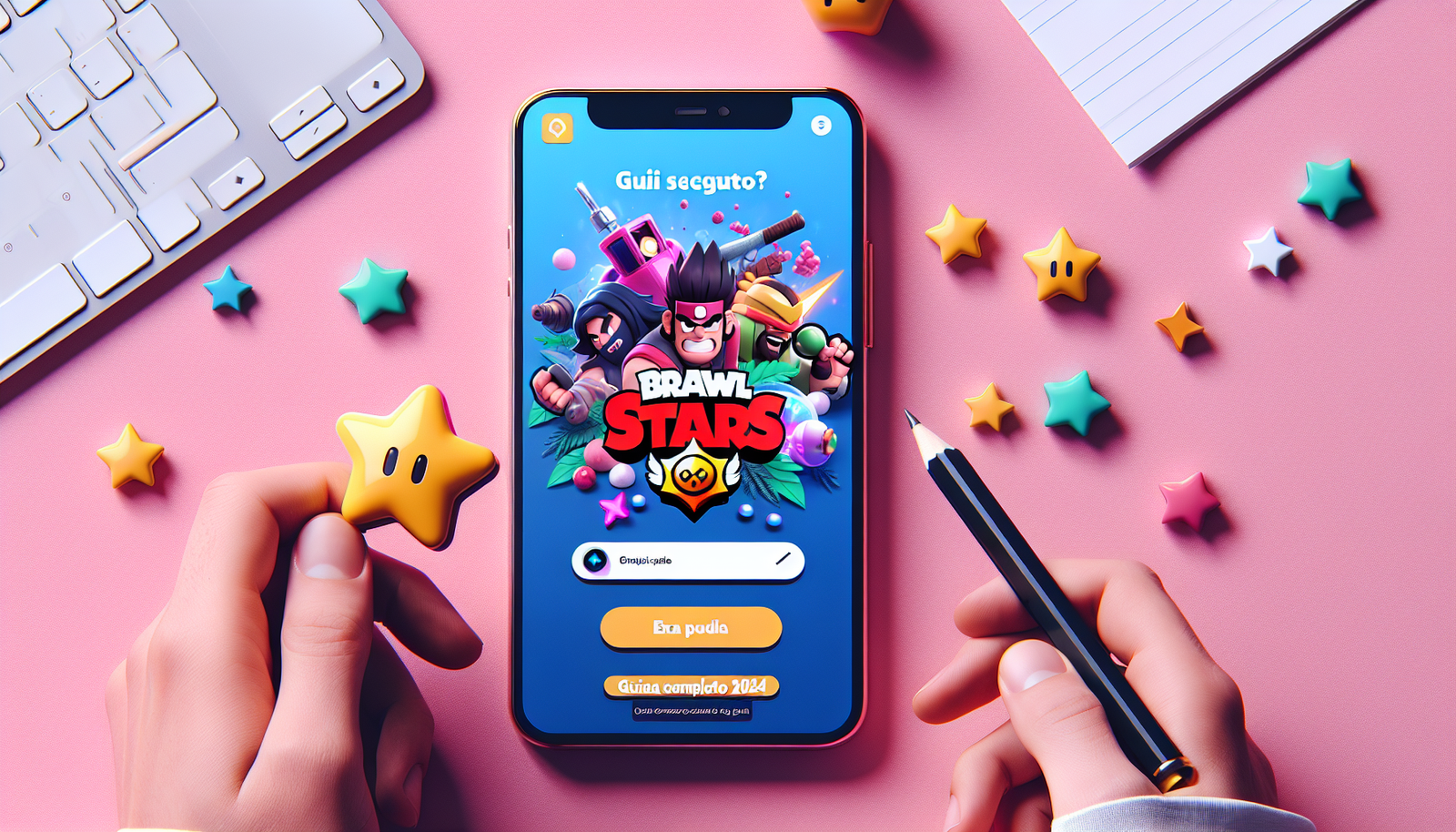
If you are a fan of mobile games and are considering downloading the Brawl Stars APK from alternative sources, probably already wondered: is it safe? With millions of players around the world, this hit Supercell arouses much interest, but is not always available in all regions or devices through official stores.
What you will find in this article:

In this article, we will explore all aspects related to the safety of Brawl Stars APK, the risks involved in downloading unofficial sources, and presenting safe alternatives for you to enjoy this amazing battle game without compromising your device or personal data.
What is an APK File and How It Works
Before we dive into the question of safety, it is important to understand what an APK file is. APK (Android Package Kit) is the file format used by the system Android to distribute and install apps. It is basically the "installer" of any Android app.
When you download a Google Play Store application, you are actually downloading an APK file that is automatically installed by the system. The difference arises when we get these files from unofficial sources, which is known as "sideloading".
Why People Search Alternative APKs
- Games not available in your region
- Beta versions or early updates
- Devices incompatible with the Play Store
- Connectivity problems with official stores
- Curiosity about modified versions
Security Risks on Download Brawl Stars APK
Download Brawl Stars APK from unreliable sources can expose your device and personal data to various risks. Let's look at the main dangers:
Malware and Virus
Unofficial websites often host modified APK files that contain malware, viruses or Trojans. These malicious codes may:
- Steal personal information and passwords
- Access your camera and microphone without permission
- Send premium SMS without your knowledge
- Install other malicious applications
- Commit device performance
Personal Data Violation
Modified APKs may contain keyloggers or spyware that monitor everything you type, including social media passwords, bank information and credit card data.
Update Problems
Unofficial versions of Brawl Stars do not receive automatic security updates, leaving your game and device vulnerable known exploits.
How to Identify Reliable Sites for Download
If you decide to proceed with downloading an APK, it is crucial to know how to identify relatively secure sources. Here are some indicators:
Reliable Site Features
- Established reputation: Sites like APKMirror and APKPure have file verification history
- Signature verification: Show if APK maintains original digital signature
- User comments: Community feedback on security
- Details: Data on version, size and permissions
- No modifications: Original APKs, not modified
Warning Signs to Avoid
- Sites that promise "unlimited resources" or "hacks"
- Downloads that require surveys or suspicious records
- Files with very different sizes of the official version
- Sites full of pop-ups and invasive ads
- Excess permission requests
Alternatives Secure APK Download
There are several safe ways to play Brawl Stars without resorting to APKs from dubious sources:
Official stores
A Google Play Store and App Store Apple is always the safest option. If the game is not available in your region, consider:
- Wait for official launch
- Create an account in a region where the game is available
- Use a VPN to access other regional stores
Official Alternative Platforms
Some device manufacturers Android offer their own app stores with security check:
- Samsung Galaxy Store
- Huawei AppGallery
- Amazon Appstore
APKs Install Protection Measures
If you decide to proceed with downloading a Brawl Stars APK, take these essential precautions:
Before Download
- Make full backup your device
- Install one antivirus reliable like Malwarebytes or Avast
- Check permissions requested by the application
- Read comments and evaluations of other users
During Installation
- Enable "Unknown sources" only temporarily
- Monitor which permissions are requested
- Distrust if the app requires unnecessary access
- Check that file size matches expected
After Installation
- Run a full antivirus check
- Monitor device behavior
- Disable again "Unknown sources"
- Keep the antivirus always active
Game Experience: Official vs APK
The experience of playing Brawl Stars through the official version versus APK may present significant differences:
Official version
- Automatic security updates
- Official Supercell Support
- Full integration with Google/Apple services
- Compatibility guarantee
- Access to official events and promotions
APK Versions
- Can present uncorrected bugs
- Risk of incompatibility with updates
- Possible loss of progress
- No official support
- Account ban risk
Impact on Game Progress and Account
A crucial aspect often neglected is how the use of unofficial APKs can affect your progress in the game:
Risks to Your Account
Supercell has detection systems that can identify the use of unofficial versions, resulting in:
- Temporary suspension of account
- Permanent prohibition
- Loss of all progress and purchased items
- Unable to recover account
Synchronization Problems
Modified APKs can interfere with synchronization with official servers, causing:
- Loss of recent progress
- Common
- Problems with shopping in-app
- Incompatibility with future updates
Safety Recommendations Digital
To keep your device and data safe while exploring the world of mobile games, follow these recommended practices:
Basic Digital Hygiene
- Keep your operating system up to date
- Use strong and unique passwords for each account
- Enable two-factor authentication when available
- Regularly review application permissions
- Make regular backups of your data
Continuous Monitoring
- Check device performance regularly
- Monitor data and battery usage
- Observe suspicious application behaviors
- Keep lists of installed applications
The question "Is Brawl Stars APK safe?"has no simple answer. While it is technically possible to download and install unofficial versions of the game, risks significantly outweigh potential benefits.
Dangers include malware exposure, personal data breach, performance issues and even permanent ban on your game account. The best strategy is always to opt for official stores, even if it means waiting a little longer for the launch in your region.
If you are a true Brawl Stars fan, protect your gaming experience and your personal data by always choosing reliable and official sources. Your digital security is worth a lot more than the rush to play a new version.
FAQ – Frequently Asked Questions
1. Is it cool to download Brawl Stars APK from unofficial websites?
Technically, downloading APKs is not illegal, but it could violate Supercell's terms of service. This can result in an account ban and loss of all progress. In addition, if APK contains unauthorised modifications, there may be issues related to intellectual property.
2. Can I lose my existing account by installing an APK?
Yes, there is that risk. Modified APKs can interfere with synchronization with official servers, cause data loss, or result in a Supercell account ban. Always fully backup before any unofficial installation and consider using a secondary account for testing.
3. How do you know if an APK site is reliable?
Reliable sites like APKmirror check digital signatures, have established reputation in the community, provide detailed information about versions and do not promise modifications such as "unlimited resources". Avoid sites with many pop-ups that require surveys or ask for excessive personal information.
4. Which antiviruses are best at detecting malicious APKs?
We recommend Malwarebytes, Avast Mobile Security, Kaspersky Mobile Antivirus and Norton Mobile Security. These have good malware detection in APKs and offer real-time protection. Always keep the antivirus up to date and do regular system checks.
5. Is there any 100% safe way to use unofficial APKs?
There is no completely safe way to use unofficial APKs. Even respectable websites can occasionally host compromised files. The only really safe way is to use official stores. If you decide to proceed, minimize risks using secondary devices, test accounts and strict security checks.