Why? protect Your Banking Applications Is Urgent
More than 70% of Brazilians They run banking on their cell phones every day. But did you know that bank apps frauds grew 45% in 2024? A protection of your data is essential to avoid serious financial losses.
Hackers use sophisticated techniques to access their bank accounts. They monitor passwords, capture personal data, and transfer money without your knowledge. The good news? You can protect yourself with simple and effective strategies.
This guide presents the 7 best practices recommended by the Central Bank of Brazil and specialists in digital security. Implementing these measures dramatically reduces the risk of fraud in your banking applications.
1. Use Biometric Authentication First
How to Protect Bank Applications On Cell Phone
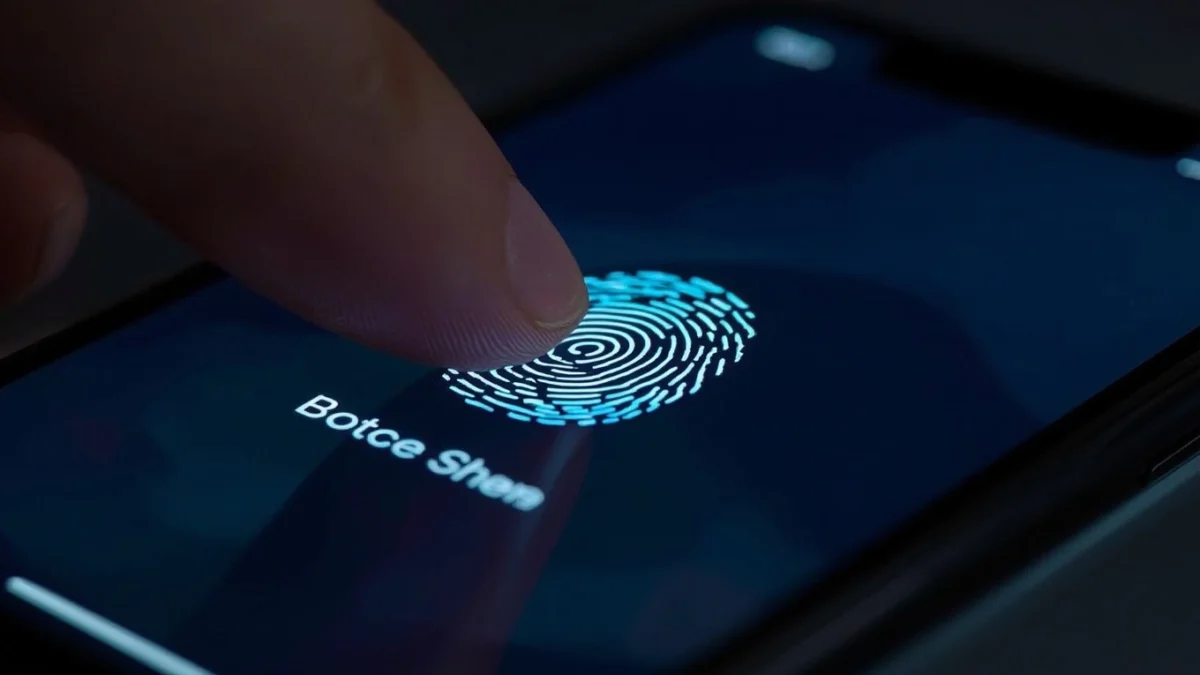
Activate biometrics It's the most important defense against unauthorized access. Most banking apps offer digital print authentication or facial recognition. This extra layer protects yourself if anyone finds your password.
Biometric authentication is virtually impossible to copy or steal. Unlike passwords, your biometric data is stored only on your phone. Even the bank doesn't have access to that information.
How to activate: Open your banking app, go to "Settings" or "Security", select "Biometric Authentication" and follow the instructions. Most banks allow using a fingerprint or face.
Differentials of Each Biometric Method
Digital printing is faster and works even with mask or glasses. Facial recognition is safer in low-light environments because it analyzes unique features of your face. Both offer excellent protection against hackers.
2. Create Strong and Unique Passwords For Each Account
One strong password has at least 12 characters with combination of uppercase, lowercase, numbers and symbols. Never use birth dates, obvious names or sequences such as "123456" or "password123".
Each of your accounts must have a different password. If a website leaks and your password is stolen, at least your other accounts will remain secure. Reusing passwords is the biggest mistake you can make.
Consider using a password manager like Bitwarden, 1Password or LastPass. These tools generate and store encrypted passwords, facilitating your access. You just need to memorize a master password.
Test the strength of your password in free online hardware before using. Very weak passwords are found in seconds for hacker software. Invest time creating a real protection for your bank account.
3. Update Operating System and Apps Regularly
Security updates correct vulnerabilities that hackers exploit to invade your phone. Ignore updates leaves gaps open for invasions. The Central Bank recommends updating within 48 hours after availability.
Activate automatic updates on your smartphone so you don't forget. On Android, go to "Settings" → "System" → "System Update". On your iPhone, go to "Ajustes" → "General" → "Software Update".
Also update your banking app in the app store. Banks launch security patches constantly to protect against new threats. Out-of-date apps are easy targets for criminals.
4. Activate Two Factor Authentication (2FA) Always
A two factor authentication requires two different ways to verify your identity before accessing the account. It's usually something you know (password) + something you have (cellular or token). This makes unauthorized access extremely difficult.
There are three types of 2FA: SMS, authenticator app or security keys. The authenticator app is safer as SMS can be intercepted by hackers with advanced techniques. Apps like Google Authenticator or Microsoft Authenticator offer superior protection.
Search your bank account settings for "Two Step Check" or "Additional Authentication". Then set up the method you prefer. Banks like Itaú, Bradesco and Caixa offer this protection for free.
Configuring a Safe Authenticator
Download a free authenticator app like Google Authenticator, Microsoft Authenticator or Authy. During setting up in your bank, you will see a QR code. Scan with the app and it will generate 6-digit codes that change every 30 seconds. Use these codes when logging in or transferring.
Save the recovery codes in a safe and separate location from your mobile phone. If you lose access to the authenticator app, these codes will allow you to recover the account. Print and store in a safe if possible.
5. Install an Antivirus and Keep your Phone Clean
One reliable antivirus detects and removes malware that steal bank data. Recommendations include Kaspersky, Norton Mobile, McAfee or AVG. Activate weekly automatic scans to identify threats.
Avoid downloading apps from unknown sources or unofficial websites. Use only the Google Play Store (Android) or App Store (iPhone) to install programs. Pirate Apps often contain viruses that steal banking information.
Regularly review the permissions granted to each app. A camera app does not need to access your contacts or financial files. Remove any suspicious or non-useable applications. The fewer apps installed, the lower the risk of invasion.
Regularly backup your important data in encrypted cloud. This helps to recover information if the phone is hacked or stolen. Services like Google Drive or iCloud offer automatic and secure backup.
6. Wi-Fi and Phishing Network Care
Avoid accessing your banking app on networks Public Wi-Fi of cafes, airports or malls. Hackers create fake networks called "evil twins" to intercept data. If you need access, use a trusted VPN like NordVPN or Proton VPN.
Phishing That's when criminals send fake messages pretending to be your bank. They ask you to click suspicious links or confirm personal data. Never answer messages asking for bank information, passwords or OTP codes.
Important tip: Legitimate banks never ask for sensitive information by SMS, email, or WhatsApp. If you receive a suspicious message, do not click the links. Open the banking app directly and check for real alerts.
Distrust strange URLs in message links. "itau.com.br.site-falso.com" is phishing. The real domain will always start with the name of the bank. When in doubt, open the browser and manually enter the bank address.
7. Monitor Your Account Regularly and Report Suspicious Activities
Access your banking app daily to check transactions. Look for movements you didn't make. The faster you identify fraud, the easier it will be to get the money back. Banks offer protection for reported frauds quickly.
Set alerts in your banking app for any transfer above a value you set. Most banks send SMS or push notifications automatically. These notifications help detect fraud immediately.
If you identify suspicious activity, contact your bank immediately via the phone that appears on your card or app. Don't trust phone numbers you received by text. Also report to the Federal Police through www.delegationonline.pf.gov.br.
"Brazil recorded more than 2 million attempts at bank fraud in 2024, according to a report by the Brazilian Federation of Banks. Most were blocked thanks to bank protections, but customer surveillance is essential." — Brazilian Federation of Banks (Febraban)
Practical Steps To Implement Today
- Activate biometrics on your banking app now
- Create a strong password with 12+ different characters
- Configure two-factor authentication with application
- Update your mobile phone and all apps
- Install a recommended antivirus
- Configure transaction alerts above R$ 100
- Add bank emergency number to bookmarks
Frequently Asked Questions About Protection of Banking Apps
Is it safe to use the same phone for work and banking apps?
Yeah, as long as you follow the recommended protections. Keep work apps up to date, use different passwords, activate 2FA and install antivirus. Avoid opening suspicious emails or downloading unknown files. The more discipline, the safer the phone gets.
What's the best way to get the account back if I forgot my password?
Access the banking app and click "Forgot my password". The bank will send a recovery code to your registered email or SMS. Create a strong new password by following the same recommendations of this article. Never share that password with anyone, not even with bank employees.
Is my bank app safe or should I use the browser?
Bank Apps are safer than browsers. Apps use more robust encryption, certificate verification and phishing protection. Banks invest a lot in app security. Always prefer to use your bank's official application instead of accessing it via the browser.
How do I know if I suffered a phishing attack or if my account was hacked?
Warning signs include: transactions you did not perform, increased use of data, frequently locking app, or bank messages about unknown activities. If you identify any signal, contact your bank immediately, change your password from scratch, and activate 2FA if you haven't done it yet. Consider registering a police report.
Conclusion: Your Banking Security Starts Now
Protecting mobile banking applications is not complicated — just follow these 7 essential strategies with consistency. Biometry, strong passwords, 2FA And daily surveillance turns your phone into a virtually impenetrable digital safe. Hackers prefer easy targets; don't be one of them.
Implement today: Activate biometrics, create a new password and configure 2FA. Take 15 minutes now to avoid serious financial losses in the future. Your safety is your responsibility — Don't just trust the bank. Share this guide with friends and family to protect those you love from bank fraud.