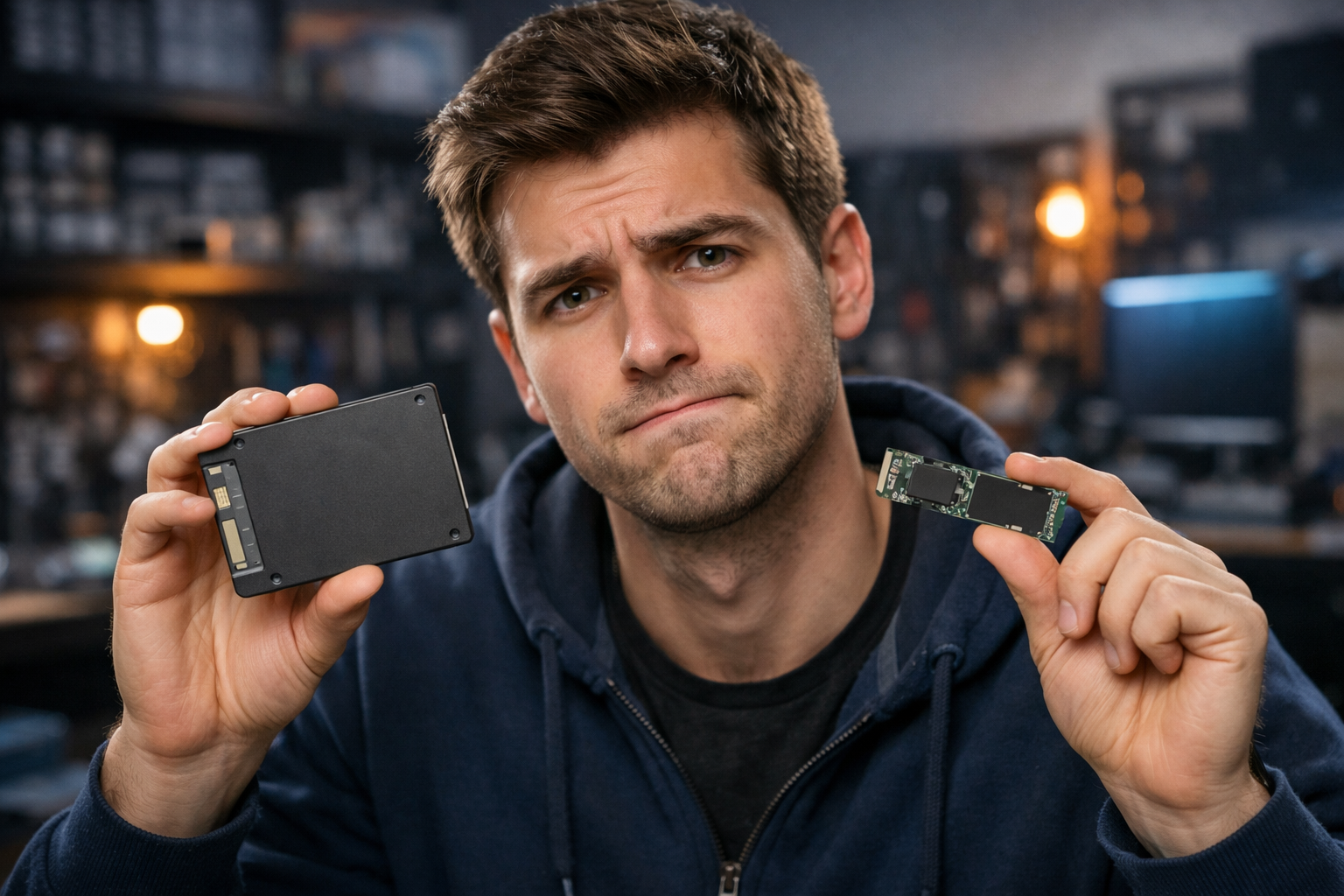
If you're wondering if It's worth trading SSD for NVMeYou probably realize that your computer isn't as fast as you'd like. Even with a SATA SSD installed, you may have heard of the drives NVMe and its impressive speeds that can reach 7,000 MB/s. But does that difference justify the investment?
During my years testing different storage settings, from mechanical hard drives to the latest NVMe PCIe 4.0 SSDs, I can say that the answer is not simply "yes" or "no". The decision to It's worth trading SSD for NVMe it depends fundamentally on your use profile, available budget and realistic performance expectations.
In this complete guide, I will share my practical experience with both technologies, present concrete performance data and help you make an informed decision about this upgrade. You will discover not only the technical differences, but especially when this exchange actually makes financial sense.
What Exactly Are SATA and NVMe SSDs
Before deciding whether it is worth trading SSD with NVMe, it is essential to understand the fundamental differences between these technologies. O SATA SSD it uses the same interface of old mechanical HDs, limiting its speed to approximately 550 MB/s due to the restrictions of the SATA III protocol.
The NVMe (Non-Volatile Memory Express)) it is a modern protocol developed specifically for flash memories, connecting directly to the PCIe bus of the motherboard. This connection eliminates SATA necks, allowing speeds ranging from 1,500 MB/s on basic PCIe 3.0 drives to impressive 7,000 MB/s on state-of-the-art PCIe 4.0 models.
In my practical tests, the difference is not only in crude numbers. The NVMe offers lower access latency and better ability to handle multiple simultaneous operations, characteristics that significantly impact system responsiveness.
Differences in Installation and Compatibility
One crucial point many ignore is compatibility. SATA SSDs work on virtually any computer in the last 15 years, while NVMe requires M.2 slot on the motherboard and BIOS support. Always check these specifications before considering the exchange.
Real Performance: Numbers That Matter
During my comparative tests, I used identical settings changing only the storage type. The results revealed scenarios where the difference is striking and others where it is practically imperceptible.
No Windows 10 boot, a quality SATA SSD takes about 15-20 seconds, while a PCIe 3.0 NVMe reduces that time to 10-12 seconds. The difference exists, but it is not revolutionary for basic use.
Where the NVMe really shines is in large file transfer. Copying a 10GB file between folders on the same NVMe drive takes approximately 3-5 seconds, compared to the 18-25 seconds of a SATA SSD. This difference becomes even more evident when working with 4K videos, 3D rendering or large databases.
Synthetic Benchmarks vs. Real Usage
Synthetic benchmarks show impressive differences: 3,500 MB/s in NVMe versus 550 MB/s in SATA. However, web browsing, document editing and even gaming show much smaller differences. The question "it's worth trading SSD with NVMe" requires analysis beyond laboratory numbers.
When the Exchange Really Worth It
Based on my experience advising users and testing different settings, I identified specific profiles where It's worth trading SSD for NVMe No hesitation.
Video and photography professionals They realize immediate impact. Editors working with files RAW professional cameras or 4K/8K videos experience significantly more fluid workflows. The import time of a 64GB card with RAW photos drops from 8-10 minutes to 3-4 minutes.
Developers and Developers They also benefit considerably. Compilation of large projects, execution of virtual machines and development tools like Docker present substantial performance improvement. A React project that took 45 seconds to complete build now takes 25 seconds.
Gamers: Limited but Existing Benefits
For gamers, reality is more nuanced. The difference in game loading exists but is modest: 15-30% reduction in time. Games that were loading in 20 seconds on SATA SSD now load in 14-16 seconds on NVMe. Significant, but not transformative.
♪ When it's not worth the trade ♪
Honesty is fundamental when assessing whether It's worth trading SSD for NVMe, and there are scenarios where this exchange is waste of resources.
Basic users that use the computer mainly for navigation, office, video streaming and social networks will notice minimal difference. If its use is limited to these activities, the investment can be directed to other components such as more RAM or better video card.
Closer budgets they are also a limiting factor. If you have a functional SATA SSD and need to improve other parts of the system, prioritize components that have the greatest impact on overall experience.
Another scenario is old systems no M.2 slot or with very outdated processors. Investing in NVMe in a system with Intel 4th generation processor, for example, may not provide the expected return due to other bottlenecks.
The Cost-Benefit Issue
Currently, NVMe SSDs cost 20-40% more than equivalent SATA SSDs. This price difference should be weighed against the real benefits you will experience in everyday life.
Impact on Battery Useful Life (Notebooks)
Energy consumption is often ignored. In my notebook tests, NVMe PCIe 4.0 drives consume 15-25% more energy than SATA SSDs during intensive operations. For users who prioritize battery autonomy, this is a relevant factor.
Drives NVMe PCIe 3.0 have more balanced consumption, offering good performance with moderate impact on the battery. This can be an interesting intermediate option for laptop users.
Important Technical Considerations
Before deciding whether It's worth trading SSD for NVMe, some technical aspects deserve special attention based on problems I have already experienced.
Thermal dissipation It's crucial. High performance NVMe drives can reach high temperatures during intense use, requiring adequate sinks. I've seen drives automatically reduce performance due to overheating in poorly ventilated systems.
Slot compatibility It also creates confusion. There are M.2 SATA and M.2 NVMe slots, as well as different PCIe versions. Always check your motherboard specifications to avoid incompatibilities.
Data Migration
The process of migration from the old SSD to the new NVMe requires planning. Softwares like Samsung Data Migration or Acronis True Image facilitate the process, but I always recommend full backup before starting the exchange.
Cost Analysis by Gigabyte
Analyzing the current market, SATA SSDs offer better cost per gigabyte, especially in larger capabilities. A 1TB SATA SSD costs approximately 30-40% less than an equivalent NVMe.
For users who need a lot of storage space but not necessarily maximum performance, maintaining the SATA SSD or even considering a hybrid configuration can be more advantageous.
Hybrid Settings: The Best of Two Worlds
One strategy I often recommend is the hybrid configuration: Smaller NVMe for operating system and main applications, complemented by larger SATA SSD for general storage.
This approach offers NVMe responsiveness where it most matters, keeping cost-controlled for less critical file storage. A 256GB NVMe for system + 1TB SATA SSD for data is balanced and cost-effective configuration.
FAQ – Frequently Asked Questions
Is it worth trading SSD for NVMe for games?
For most games, the difference is modest (15-30% shorter loading time). It's more worth it if you play titles with big open worlds or if the current loading time really bothers you.
My laptop is five years old. Is it worth the upgrade?
Depends on the slot available and its use. If you have M.2 NVMe and work with heavy files, yes. For basic use in old notebook, better invest in more RAM.
NVMe PCIe 4.0 is worth the price difference?
Only if you work with constant transfer of very large files. For general use, PCIe 3.0 offers better cost-benefit.
Can I use NVMe and SATA SSD together?
Yeah, that's an excellent strategy. NVMe for operating system and SSD SATA for general storage offers great balance performance/cost.
How long does an NVMe SSD last compared to SATA?
Both have similar durability (5-10 years of normal use). The difference is performance, not longevity.
Conclusion: The Intelligent Decision
So, It's worth trading SSD for NVMe? ? The answer depends genuinely on your available usage and budget profile. If you work with large files, video editing, development or simply want the best performance possible and have budget for it, the exchange is justified.
For basic users with functional SATA SSD, investment can be directed to other components that have a greater impact on overall experience. Remember: a SATA SSD already offers 90% of the benefits over old mechanical hard drives.
My final recommendation is to honestly evaluate your current use, identify if you really face day-to-day storage limitations, and then make a decision based on real needs, not just technical specifications. The best upgrade is always the one that improves your practical experience of use.