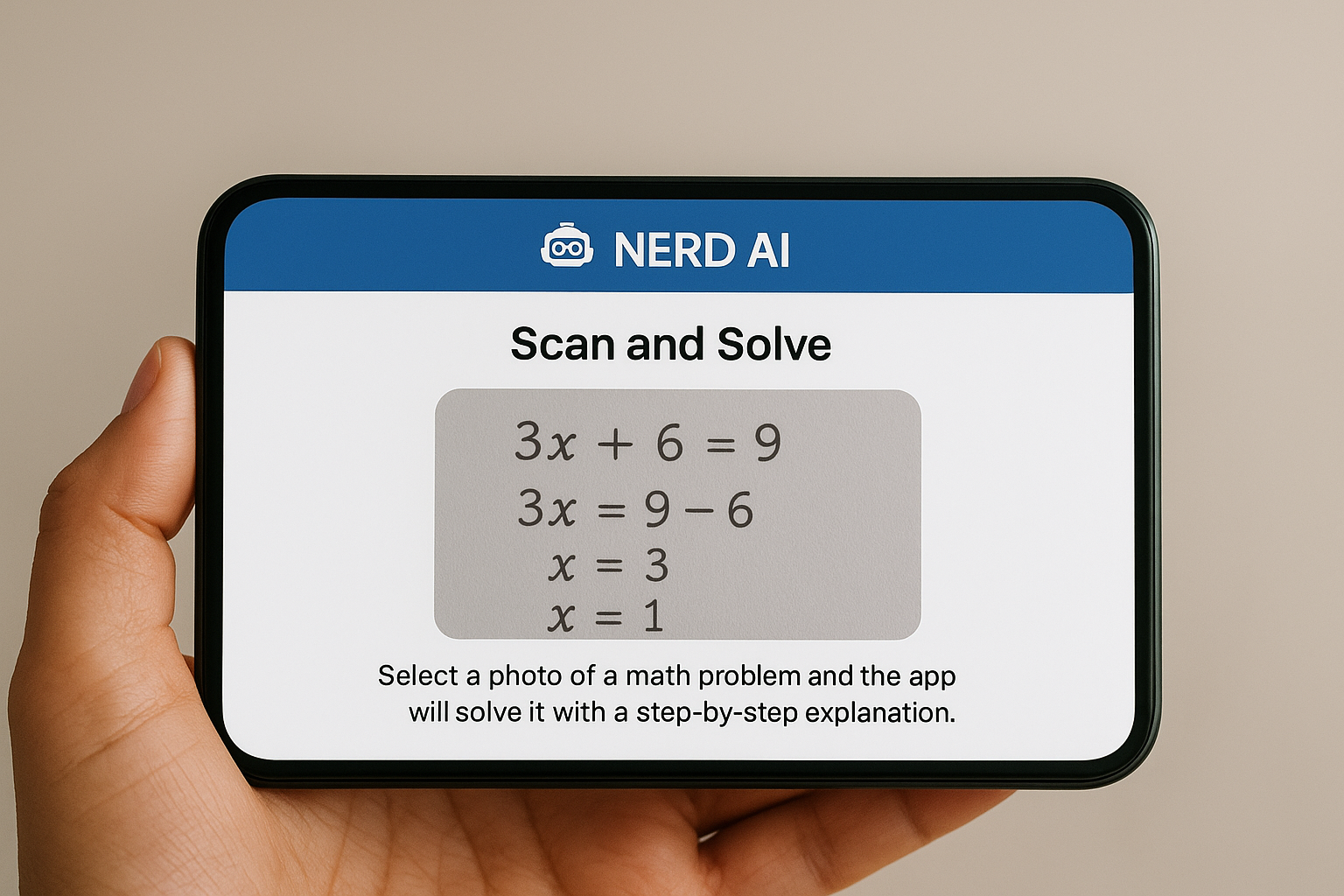
In the learning world aided by artificial intelligence, several apps emerge to facilitate student life. One of them is the Nerd AI – Tutor & Math Helper, developed by Deep Flow Software Services.
He proposes to be a study assistant, covering from solving math problems to helping in writing essays, through translation, video summary, among others.
Nerd AI Features
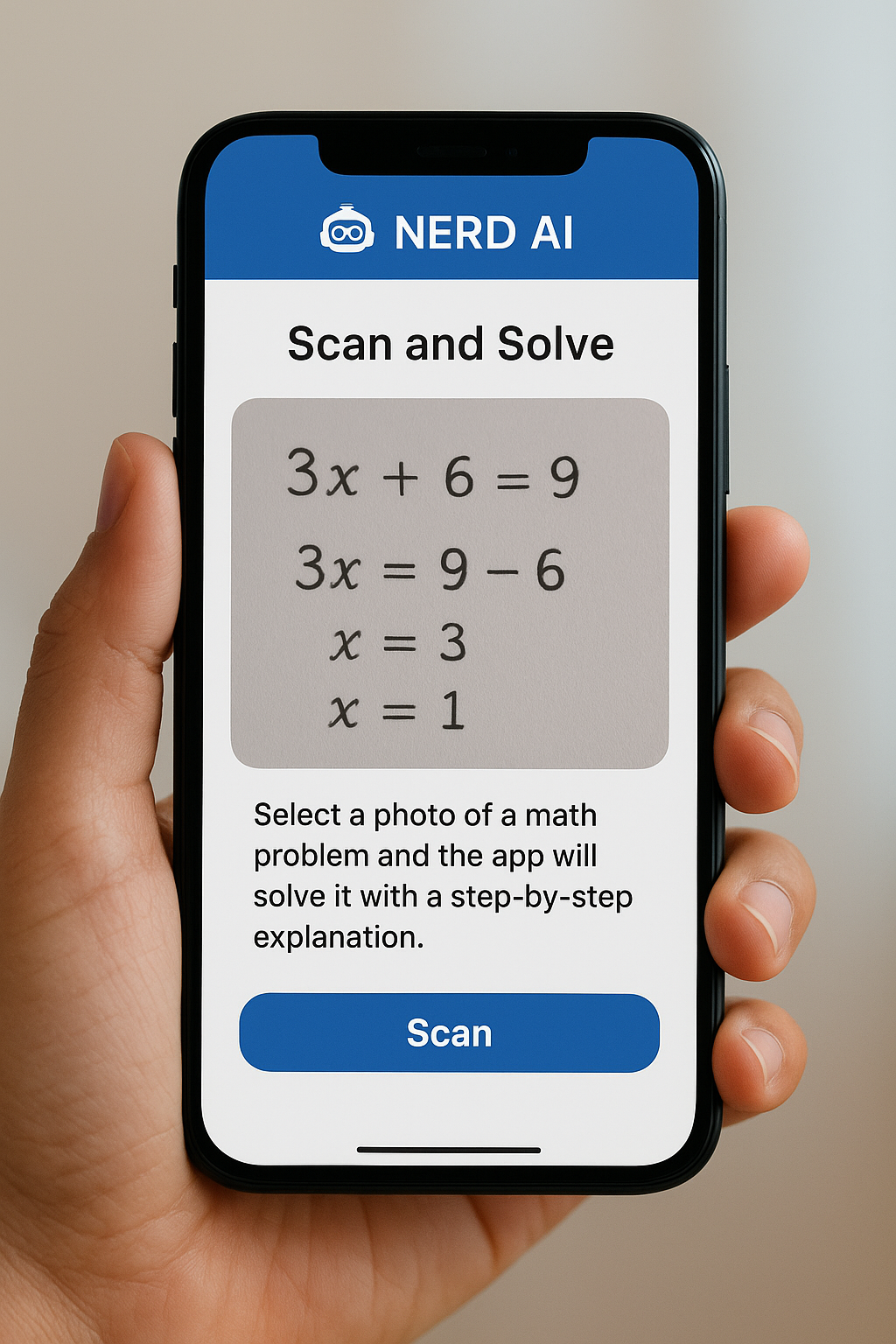
Here are the features that highlight the Nerd AI:
Scan and Solve — you take a picture of a question (mathematics, statistics, calculus, etc.), and the app gives answer with step by step explanation.
Text Generator / Assisted Writing — essays, blogs, scripts, presentations. Text tone and size control.
YouTube & Audio Video Summary — converts audio/video into text or abstract, making it easy to review content without watching/see everything.
Language Learning and Grammar — translation, correction, language tips.
Program Help / "Learn to Code" — you can enter code or ask for explanations about programming logic.
Other resources — poetry generator, interactive quiz, keyword extraction, book summarizer/long texts.
How to use Nerd AI
To use well the app:
- Download by the store of your device (Google Play or App Store).
- Create an account or log in (sometimes with Google or Apple).
- Explore the tools: choose "solve problem", "write text", "summary", etc.
For math: take photo of the problem → Nerd AI analyzes → shows step by step.
For text: type or paste, choose style/tone, ask for help to review or rewrite.
For videos or audio files: upload or paste link, abstract.
- Use the free version first to test, then evaluate if it is worth signing up for full access.
- Versions: Free vs Paid / Premium
There are free basic features that allow limited use.
Advanced or unlimited features (resolve many problems per photo, generate larger text, use of premium etc.) are available via subscription or purchase on the app.
Examples of prices found:
Free version with limit of use.
Weekly, annual or lifetime plans.
- User Assessments
Strong points:
The ease of taking photos and seeing exercise solution with explained steps.
Audio/video summary tools very useful for those who consume educational content.
Intuitive interface, variety of languages available.
Common criticisms:
Some mathematical solutions with unclear errors or explanations.
The free version usually has limits that frustrate some users.
Performance problems/bugs in certain cases or devices.
- Privacy & Data Security
The app collects usage data, personal information, activities in the app.
Data transmission is encrypted.
Privacy policies are available on websites/App Stores.
It is good to avoid sending very sensitive data or blindly relying on math results without checking because there are cases of errors.
- Tips for Taking the Maximum Profit
Always review the answers: use the steps as a guide, not as an automatic final response.
For mathematics, try inserting the written problem also if the photo is not capture well.
Use the summary feature to review material more efficiently.
If you're going to use too much, it's worth investing in the premium plan to avoid limitations.
Stay tuned for app updates — bug fixes and improvements often appear.
- Limitations and Attention Points
Not every question can be interpreted correctly through the photo (smudged images, difficult writing, symbols etc.).
AI algorithms can go wrong — especially in advanced mathematics or complicated logic.
The generated content may have literal biases or translations that require adjustment.
Premium cost can be high depending on the region.
- Recommended Alternatives
Here are some similar apps you can compare:
App Main Pros Cons compared to Nerd AI
Photomath Focus on visual math, light interface Less writing resources or languages
Socrates (Google) Free, very reliable, Google integration Might not give so many text style options
Microsoft Math Solver Free, good explanations Less extra features (video summary etc.)
Grammarly Excellent for grammar, academic writing Does not solve complex calculation or translation
- Conclusion
Nerd AI – Tutor & Math Helper is a very useful tool for students, especially those who want to accelerate problem solving, improve writing or review classes. It is worth a lot as study support — Since used with conscience, checking results. If you have a routine of studies or educational products, it may be worth having the premium version.
❓ FAQs (Frequent Questions)
- Is Nerd IA free?
Yes, it has free version with basic features. For full access or unlimited use, you must sign or purchase premium versions. - Can I use the app in Portuguese?
Yeah. It supports multiple languages, including Portuguese. - Is it safe to use for schoolwork or evidence?
It's safe as a support tool. But beware: depending on school/teacher rules, using to solve evidence can be considered dishonest. Furthermore, AI solutions are not infallible — Always review. - How do video and audio summaries work?
You can upload/paste the link ( YouTube video, class recordings etc.), and the app will generate a summary or transcript to facilitate understanding. - How much is the premium?
Depends on the platform (iOS / Android) and plan (weekly, annual, lifetime). Example: In the App Store there are weekly and annual premium plans. - Is there support for advanced mathematics (such as calculation, abstract algebra, differential equations)?
Yes, there is support for various levels of mathematics, including calculation and statistics. But there are limits: very abstract problems or beyond the scope of the app can generate inaccurate answers.