
If you want to increase your site traffic, fast web stories are an excellent strategy. In this post, we will explore the process of creating these stories, from buying and Fast Web Stories plugin installation until the creation of its first story. Let's dive into this practical guide and find out how this tool can revolutionize your content approach.
What you will find in this article:
What Are Fast Web Stories?
The fast web stories are a visual way to tell stories on the web, allowing you to share content quickly and engagingly. This format is ideal for capturing public attention, especially on mobile devices, where user experience is crucial. With the help of Fast Web Stories plugin, you can create these contents intuitively and efficiently.
Why Use Fast Web Stories?
- Increase traffic: Well elaborate stories can generate more clicks and impressions on your site.
- Engagement: The visual and interactive format keeps readers involved.
- Sharing Facility: Stories can be easily shared on social networks and other platforms.
Results
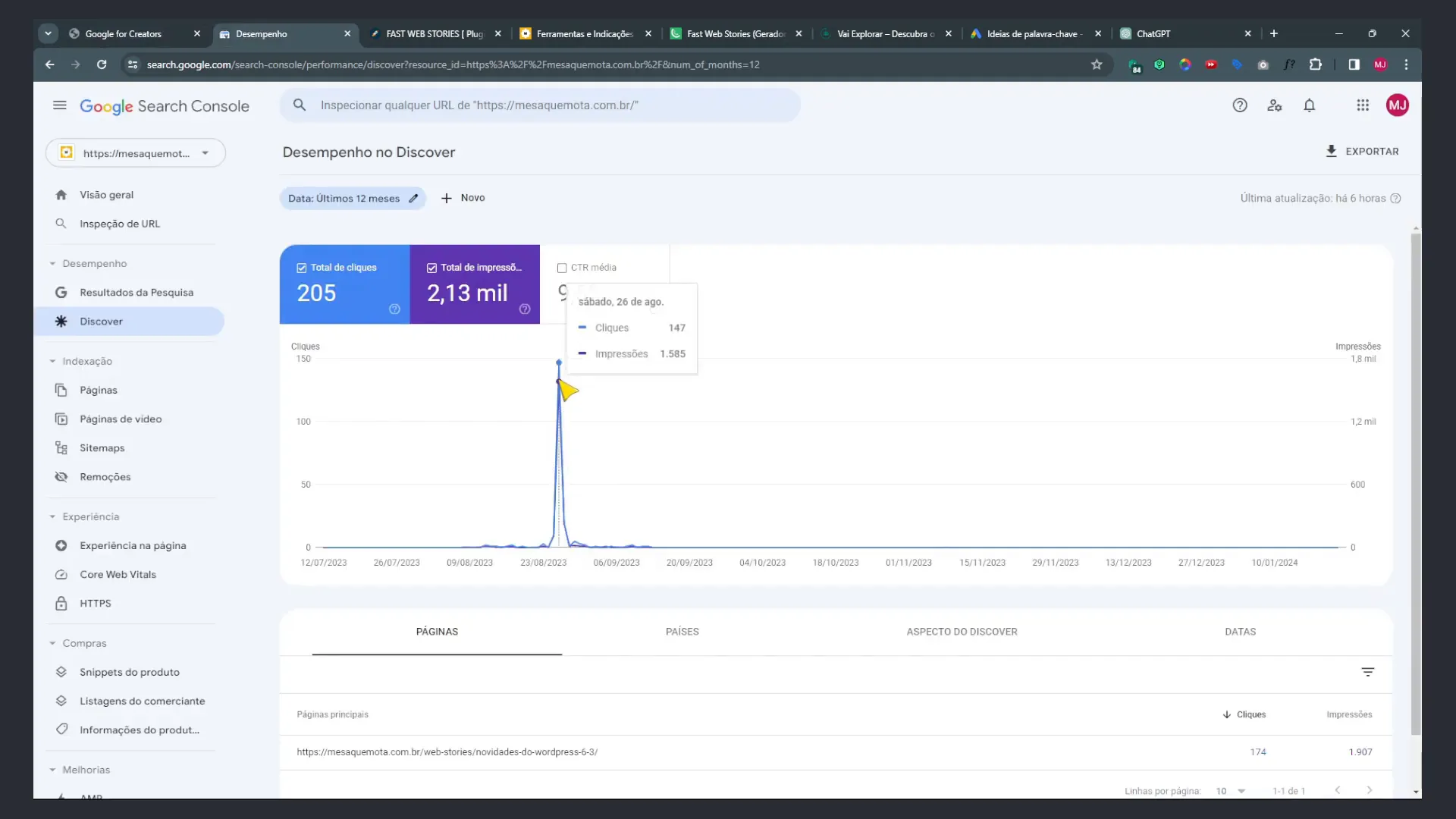
Making stories may seem complicated, but the results are worth it. A practical example is my own site, where I created a story and got 1500 impressions and 147 clicks in a single day. This demonstrates how fast web stories can have a significant impact on traffic, especially for new websites.
Acquire the Fast Web Stories Plugin
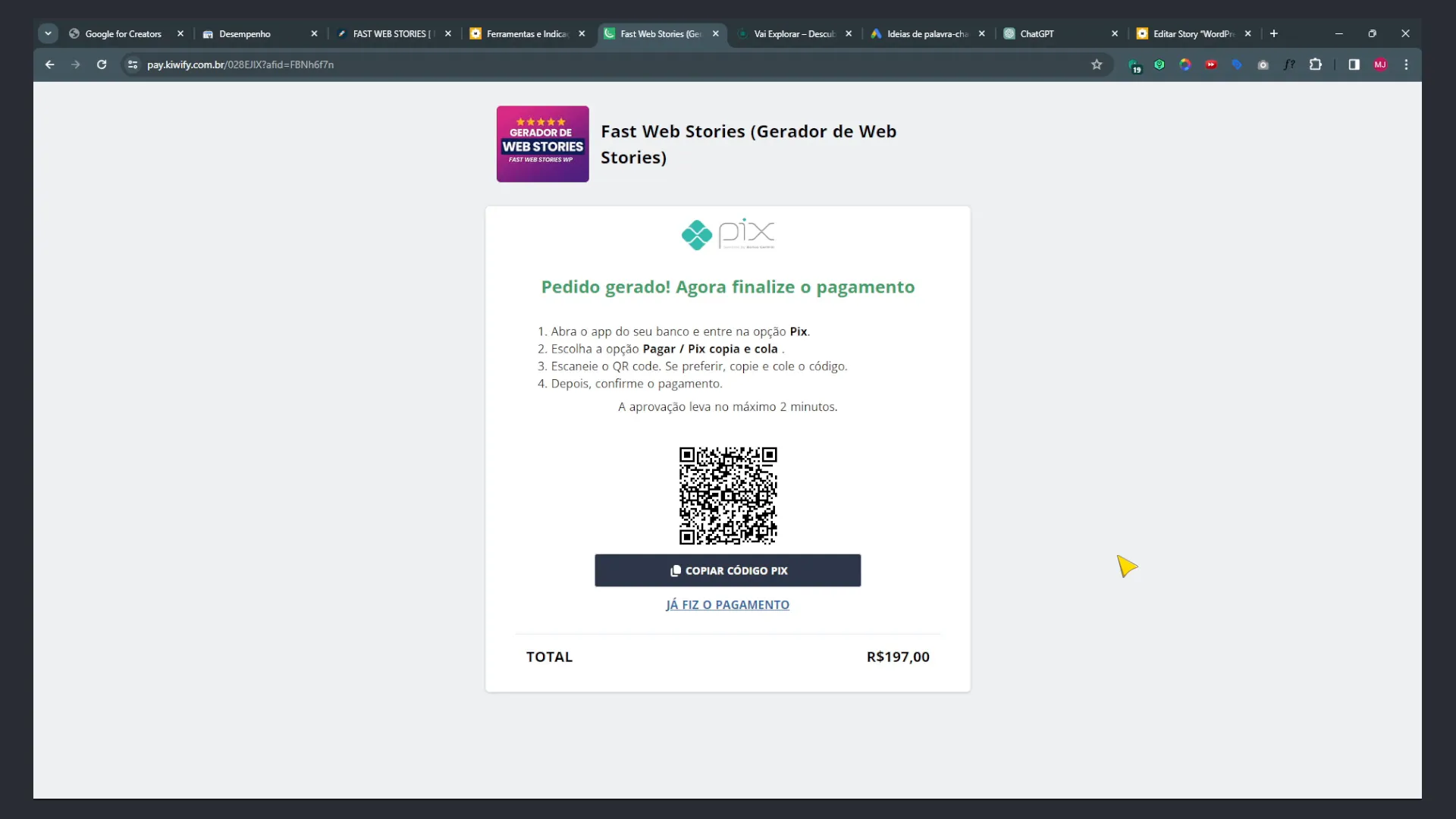
To start, you need acquire the Fast Web Stories plugin. The process is simple and you can do this directly on the developer's website. After purchase, you will receive a download link from the plugin.
Plugin Installation
- Access your WordPress dashboard.
- Go to the plugins section.
- Select "Add New" and upload the plugin file you downloaded.
- Enable the plugin after installation.
After installation, you will see the option of Fast Web Stories in the WordPress menu, where you can start configure the plugin and create your stories.

Configuring Fast Web Stories
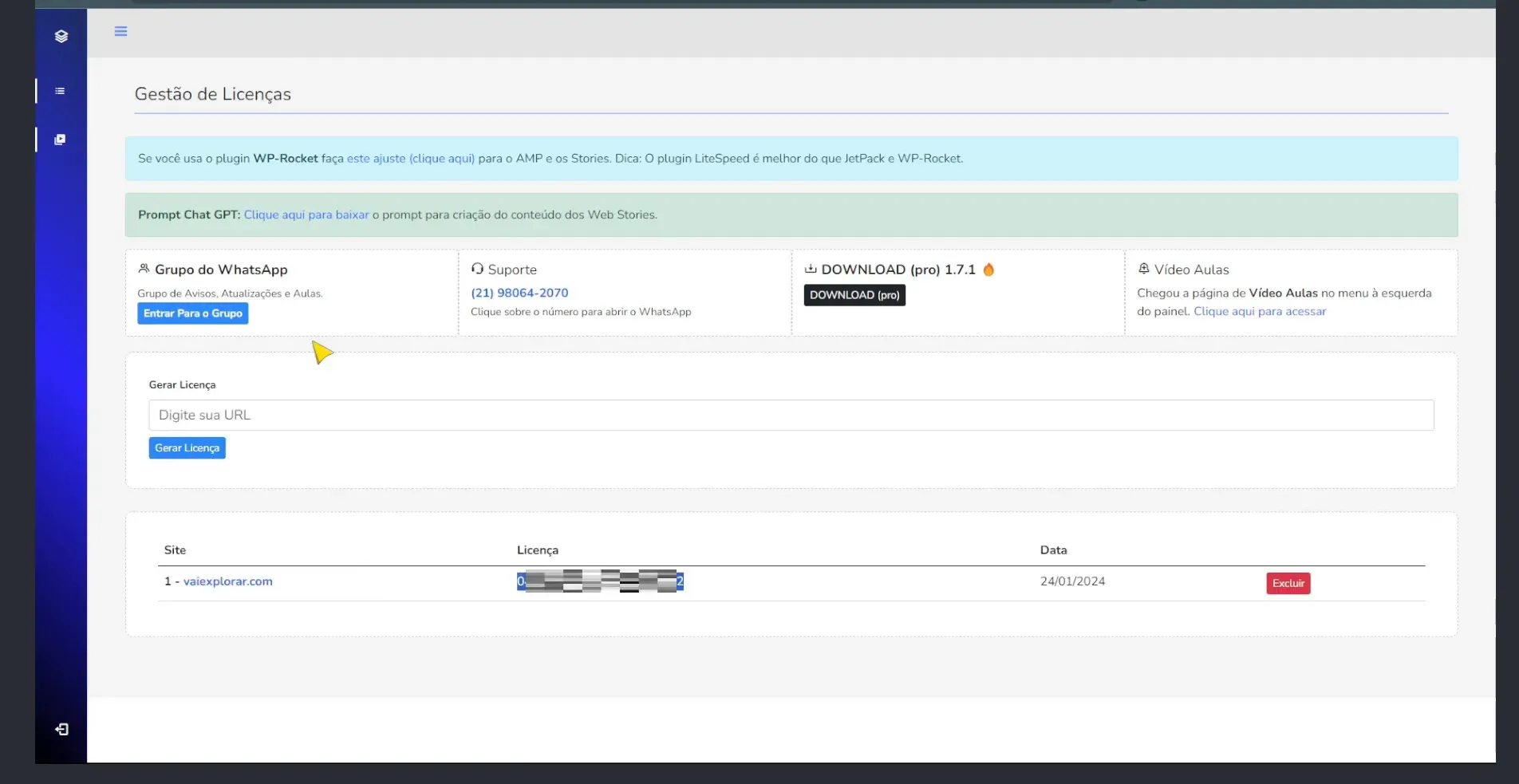
With the plugin installed, it's time to set it up. You will need to enter your license and adjust some initial settings. Here are the steps you should follow:
- Go to the Fast Web Stories settings section.
- Activate the license you received after purchase.
- Configure your preferences, such as the theme and colors you want to use.
These settings are important for personalizing the appearance of your stories and ensuring that they align themselves with the visual identity of your site.
Creating Your First Fast Web Story
Now that everything is set up, we will create your first fast web story. The process is quite intuitive, and here are the steps you should follow:
- Go to the Fast Web Stories plugin section in your WordPress dashboard.
- Select "Add New Post".
- Choose a relevant title and add high-quality images.
- Add text and other interactive elements.
- Save as draft and preview your story before publishing.
Use tools like Google’s keyword planner to find relevant headlines and keywords that attract your target audience.
Tips for Creating Stories Effective
To maximize the impact of your fast web stories, consider the following tips:
- Use high-quality images: Images should be attractive and relevant to the content.
- Keep the text short: The goal is that history is quick and easy to consume.
- Include calls for action: Encourage readers to interact with your content either by clicking on links or sharing.
These strategies will help increase the engagement and effectiveness of your stories.
Results and Analysis
After publishing your fast web stories, it is essential to monitor the results. Use analytics tools to check how many views, clicks and interactions your stories are generating. This will allow you to adjust your strategies and create even more effective content in the future.
Final Considerations
The fast web stories are a powerful way to increase your site traffic and engage your audience. With the Fast Web Stories plugin, you have at your disposal an effective tool to create attractive visual content. Don't forget to experiment, analyze the results and continue improving your stories to achieve the desired success.
If you’re ready to transform your content strategy, start using Fast Web Stories plugin and see the difference that it can make to your site. Good luck and good creations!