Thinking of unraveling the new Assassin’s Creed Shadows with the best experience possible? See how to assemble the perfect PC to run the game!
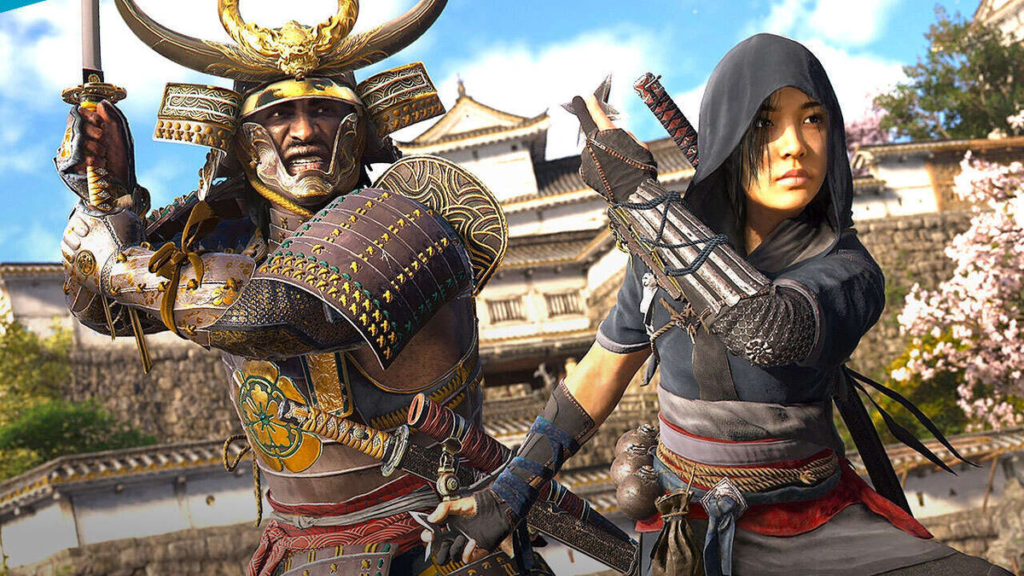
The awaited Assassin’s Creed Shadows won the game fans, becoming one of the most anticipated releases of the year. Ubisoft's new title, which seeks to recover from a crisis, promises to surprise your advanced system requirements and exciting challenges. But, you know how to mount a PC to play Assassin’s Creed Shadows with the best performance? Let's explore the options!
Video card for Assassin’s Creed Shadows
The new Assassin’s Creed requires at least a GeForce GTX 1070 or a Radeon RX 5700. If you want to get the most out of the game, NVIDIA's high-end GPUs are recommended, along with AMD's Ryzen X3D, which are the most advanced processors today.
The hardware requirements presented are based on the availability of the Brazilian market. Some components suggested by Ubisoft may no longer be on sale, so we will indicate similar options.
PC to play Assassin’s Creed Shadows at least (1080p/30 FPS)
The minimum recommendation to play Assassin’s Creed Shadows aims at a Full HD experience, with graphics settings at the minimum and frame rate of 30 FPS. Like GTX 1070 and RX 5700 GPUs, in addition to CPUs Intel Core i7 8700K and Ryzen 5 3600, are no longer available, we indicate equivalent components available on the market.
For the processor, we indicate the Ryzen 5 5500, which costs less than R$ 600, and a Radeon RX 6600 video card, which are even better than the minimum recommendations for the game. The total value for mounting a PC with these specifications is approximately R$ 3.363.76.
PC to play Assassin’s Creed Shadows in the Middle (1080p/60 FPS)
To play Assassin’s Creed Shadows in the middle, the recommendation rises considerably. The indication for video cards rises to a GeForce RTX 3060 Ti, Radeon RX 6700 XT or Intel Arc B580. Because these components are missing in the market, our indication is for Radeon RX 7600, which is still lower than the RX 6700 XT. The total value for this setup is approximately R$ 3.863.85.
PC to play Assassin’s Creed Shadows on high (1440p/60 FPS)
To play Assassin’s Creed Shadows on top, in 1440p resolution and 60 FPS, Ubisoft indicates the 3080 RTX and RX 6800 XT GPUs. As both are unavailable in Brazilian retail, we indicate the latest equivalents: RTX 4070 and RX 7700 XT. The total value for this setup is approximately R$ 5,378,85.
PC to play Assassin’s Creed Shadows on high (4K/60 FPS)
In this performance track, Assassin’s Creed Shadows begins to demand a lot in rasterization. Processor indications rise to the Ryzen 7 5800X3D and Core i7-12700K, plus the RTX 4070 Ti SUPER and RX 7900 XT GPUs. The total value for this setup is approximately R$ 9,203,77.
Regardless of the desired performance level, it is important to remember that all Ubisoft recommendations consider the use of upscaling or dynamic resolution, a feature that adjusts the resolution according to the player's FPS target.
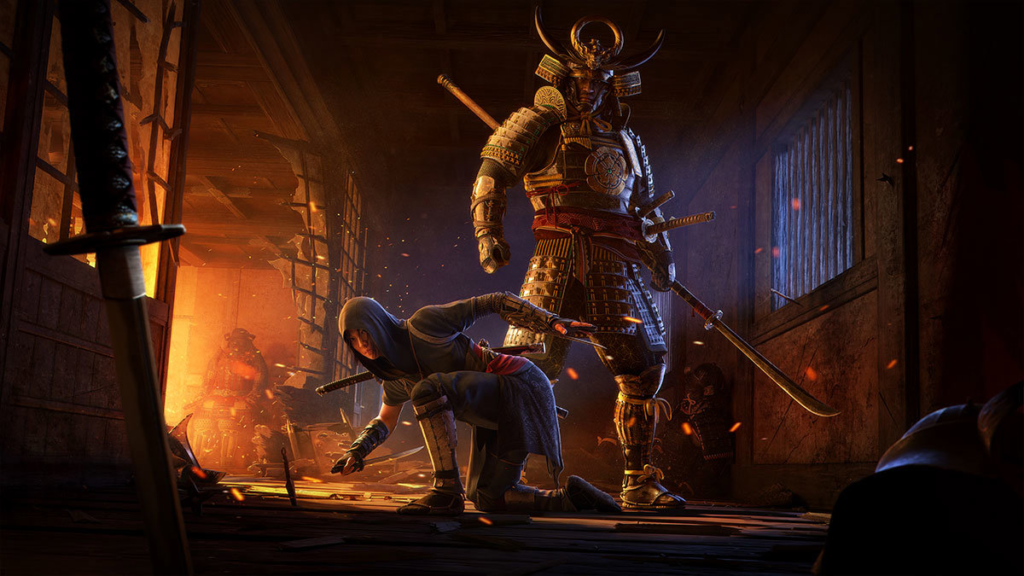
Now that you already know how to mount the perfect PC to play Assassin’s Creed Shadows, how about start planning your setup? Do not forget to consider the best cost-benefit and availability of parts on the market. And remember: the important thing is to have fun!
Learn how to build the perfect PC to play Assassin’s Creed Shadows at different levels of performance and get the best possible gaming experience
Did you like our guide to riding a PC to play Assassin’s Creed Shadows? Share on social networks and help your friends also have the best gaming experience!