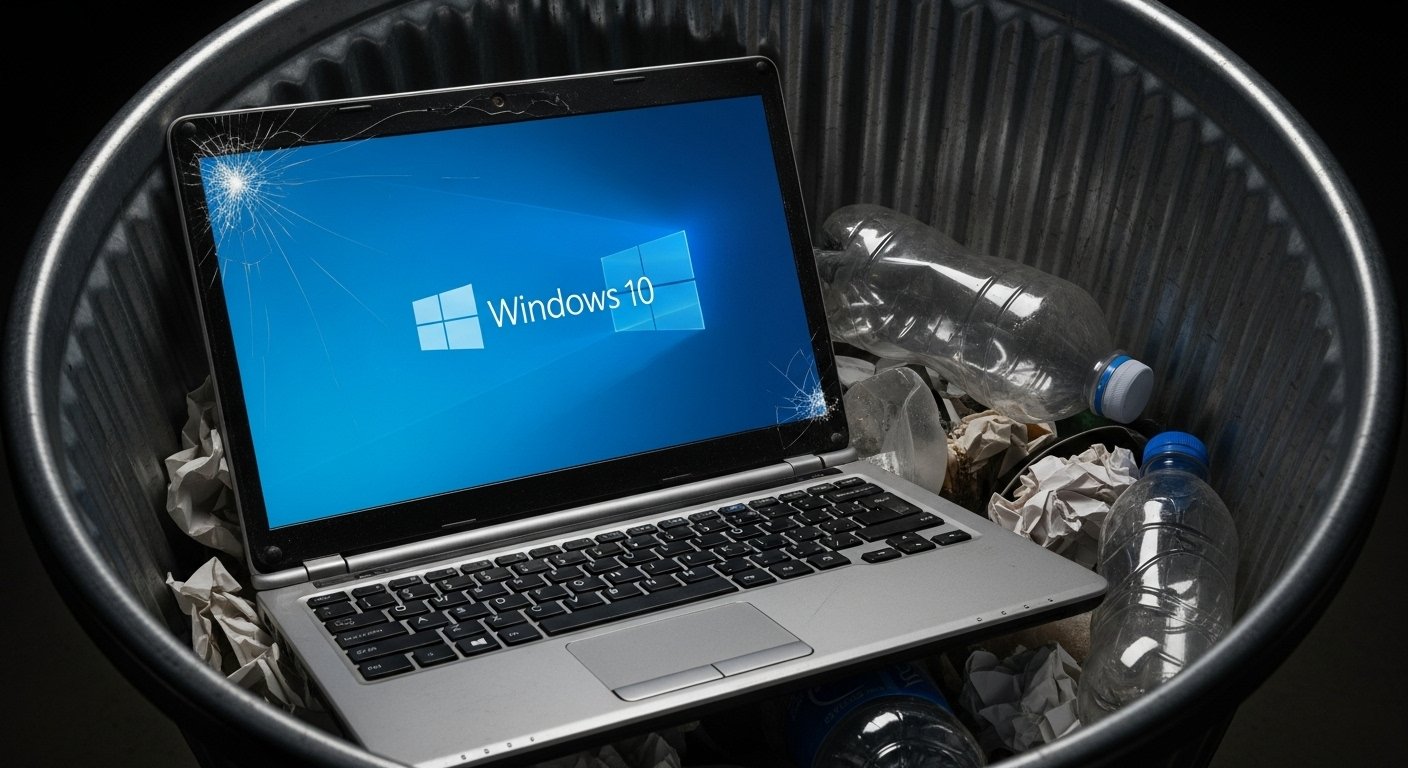
Microsoft closed on Tuesday (14) the standard free support for Windows 10, operating system still used by 40% of Windows users worldwide. According to the portal InfoMoney, the change marks the end of free security updates and technical assistance for the most popular version of Microsoft system.
What Changes in Practice
As reported by InfoMoney and Estadão portals, Windows 10 computers will continue to function normally. However, they will be progressively more vulnerable to viruses, malware and cyber attacks.
No corrections of safety Microsoft, devices are exposed to hackers who can exploit vulnerabilities to:
- Theft of personal data
- Financial blows
- Virus installation
- Ransomware Attacks
How to protect yourself: migration to Windows 11
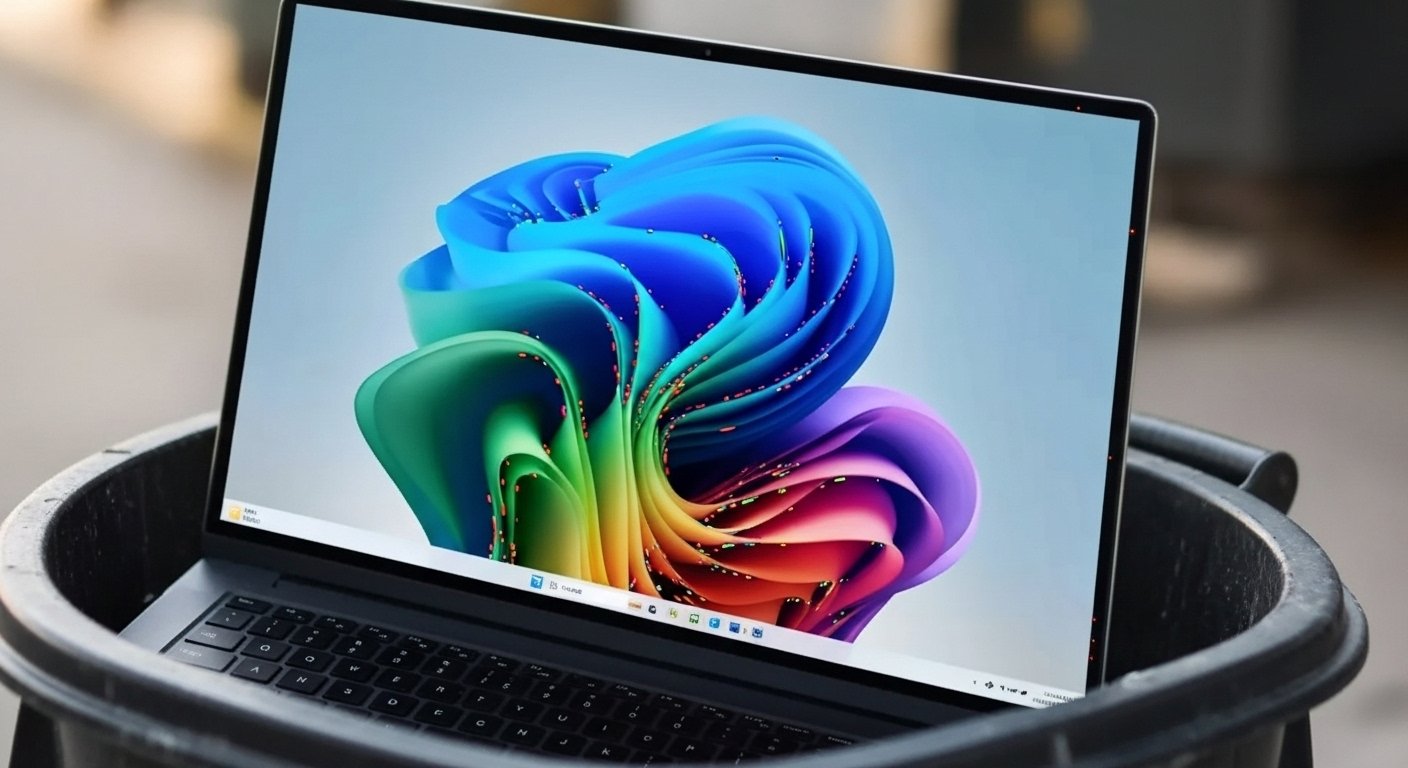
The most direct solution is to upgrade for free to the Windows 11. According to InfoMoney information, the process is simple:
Minimum Windows requirements 11
Computers up to 4 years probably support the new version, which requires:
- 4GB RAM (minimum)
- 64GB storage
- Chip TPM 2.0
- Compatible processor
Microsoft provides a free tool to check the compatibility of your computer.
Extension paid security
For those who cannot update the hardwareMicrosoft offers paid security extension valid until October 2026. The service costs US$ 30 (about R)$ 165) for users without synchronized Microsoft account.
Free Windows Alternatives
Users with incompatible computers may choose alternative operating systems:
Linux Ubuntu
Free, secure and known for ease of use, especially for those who use the computer for basic navigation and work.
Chrome OS Flex
Google lightweight system that can be installed free of charge on various PC models. Ideal for those who mainly use browser and apps web.
Time to change the laptop?
According to Estadão, the end of Windows 10 should accelerate the exchange of notebooks. At purchase time, experts recommend attention to:
Processor
Prefer Templates Intel 12th generation or AMD Ryzen 5 (or higher) for better Windows 11 compatibility.
RAM
8GB is the minimum, but 16GB ensure greater fluidity for heavier tasks and equipment longevity.
Storage
SSD delivers far superior performance to traditional HDs, with faster startup and greater responsiveness.
Connectivity
Search for variety of ports, including USB-C, to ensure future compatibility with peripherals.
Common Buy Errors
The Stay alerts for frequent traps:
- Focus only on the promotional price
- Ignore technical specifications
- Choose by design over performance
- Opt for HD instead of SSD
The change represents an opportunity to update your technological setup. If your current computer meets your needs, migration to Windows 11 or alternative systems may be enough. Otherwise, it is the ideal time to invest in more modern hardware and prepared for the coming years.